From “To-Do” Chaos to Zen Master
15/06/2026
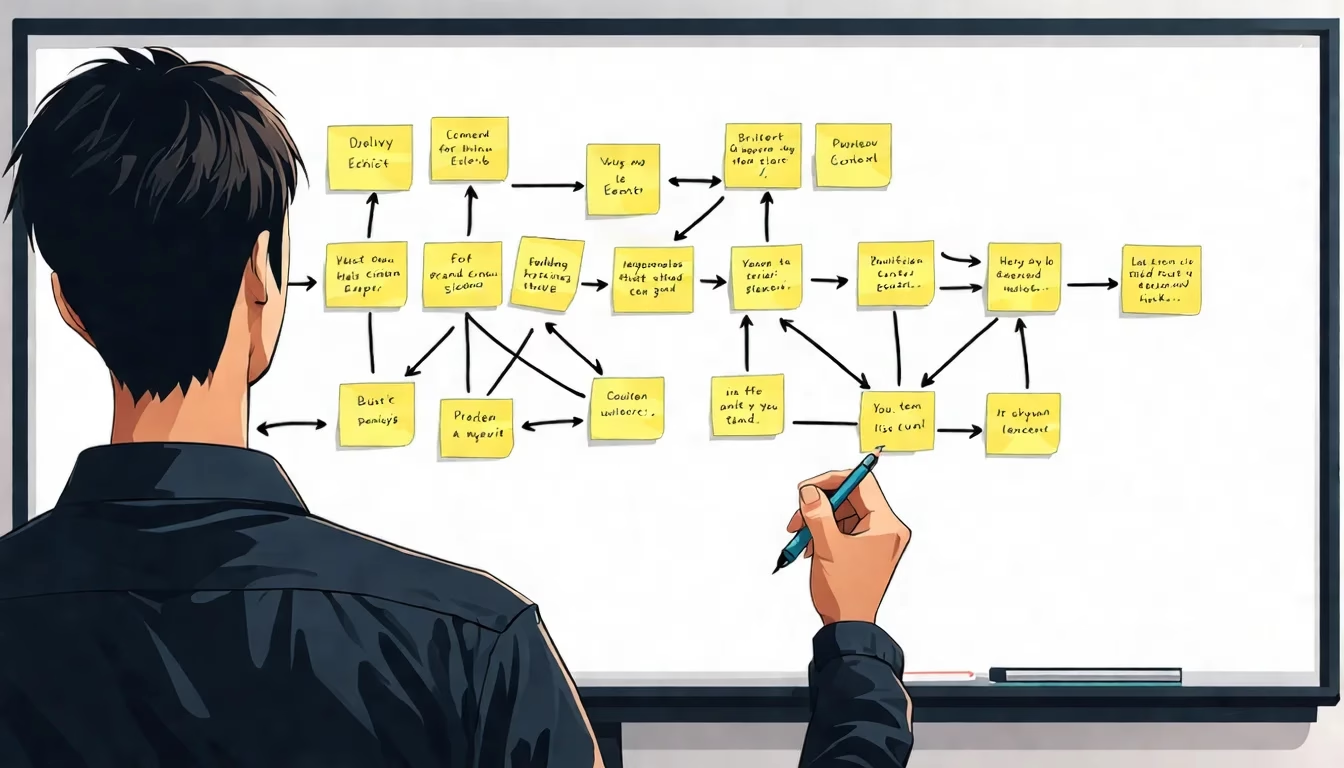

The Magic of OpenClaw Taskboards
Let’s be perfectly honest: the current method you employ for “getting things done” is likely, in technical terms, a bit of a dumpster fire. It is those sorts of objects that tend to involve sticky notes migrating across your monitor like desperate refugees, three separate applications screaming at you with notifications as if they were matters of grave geopolitical importance, and that single notebook where your brilliant ideas go to become the sedimentary rock of your desk—archived by fate until they are eventually rediscovered during a particularly melancholy moment of procrastination.
Enter the OpenClaw Taskboard. It is not merely a “to-do list”—a phrase that has lost all its teeth and dignity over the decades. No, it is the digital equivalent of employing a rather competent, slightly sarcastic personal assistant who actually listens to you, even when your requests involve things like “organizing the existential dread” or “automating my morning caffeine-fueled chaos.” Whether you seek to tame the wild beasts of your inbox or construct a sophisticated multi-agent factory of pure productivity, we have provided the blueprints.
Stop engaging in the heroic, yet ultimately futile, struggle against your inbox and begin the construction of your empire. Here is how one might cultivate the most legendary Taskboards within our ecosystem:
🛠️ How to Build Your New Reality (The Master’s Guide)
1. The “I Just Want My Life Together” (Daily Briefing System)
Perfect for those who wish to know what is happening in the world without having to peer into five different screens like a panicked lighthouse keeper.
- Step 1: Connect your primary calendar and local weather data via the OpenClaw integration suite.
- Step 2: Configure a
cronjob—the dependable workhorse of the digital age—to trigger every morning at your preferred hour of waking. - Step 3: Link the output to your chosen messaging channel (iMessage, WhatsApp, or Telegram).
- Step 4: Enable “Contextual Memory” so the system remembers your goals rather than reciting your schedule with the dry, unfeeling tone of a robot.
2. The “Inbox Zero Hero” (Email Triage)
For the professionals tired of being buried by CC’d emails that could have reasonably been a spoken sentence or a brief Slack message.
- Step 1: Integrate your Gmail/IMAP account with OpenClaw.
- Step 2: Define your logic: Create rules to automatically categorize “Urgent,” “Reference,” and “Read Later.”
- Step 3: Enable the auto-drafting feature for those repetitive inquiries that would make a human soul wither (e.g., “Are you available for a meeting?”).
- Step 4: Configure the notification system to disturb your mobile device only for items marked as truly “Critical.”
3. The “Content Factory” (Creative Pipeline)
Transform that nagging “I should write something” thought into a finished masterpiece without the indignity of public weeping.
- Step 1: Establish three distinct stages: Research, Outline, and Drafting.
- Step 2: Link the
web_searchandbrowser_automationskills to the “Research” phase. - Step 3: Set up an automated transition; once a draft is complete, OpenClaw shall summon you for final human polishing.
- Step 4: Connect your social media suite via API to broadcast your brilliance automatically upon approval.
4. The “God Mode” (Developer Taskboard / Multi-Agent)
For the architects of the digital realm who require a disciplined legion of AI minions.
- Step 1: Deploy the
openclawdev-taskboardinfrastructure to manage multi-agent sessions. - Step 2: Assign roles with precision: Architect, Security Auditor, and Code Reviewer.
- Step 3: Map out a Kanban board (Backlog, In Progress, Review, Done) of impeccable clarity.
- Step 4: Configure “Session Isolation” to ensure the Security Agent does not begin hallucinating while attempting to assist the UX Designer.
Ready to cease your juggling and start your executing? Your Taskboard awaits your command.