Molt – my excuse to validate a Mini Mac
28/01/2026

The Spark: Enter Clawdbot
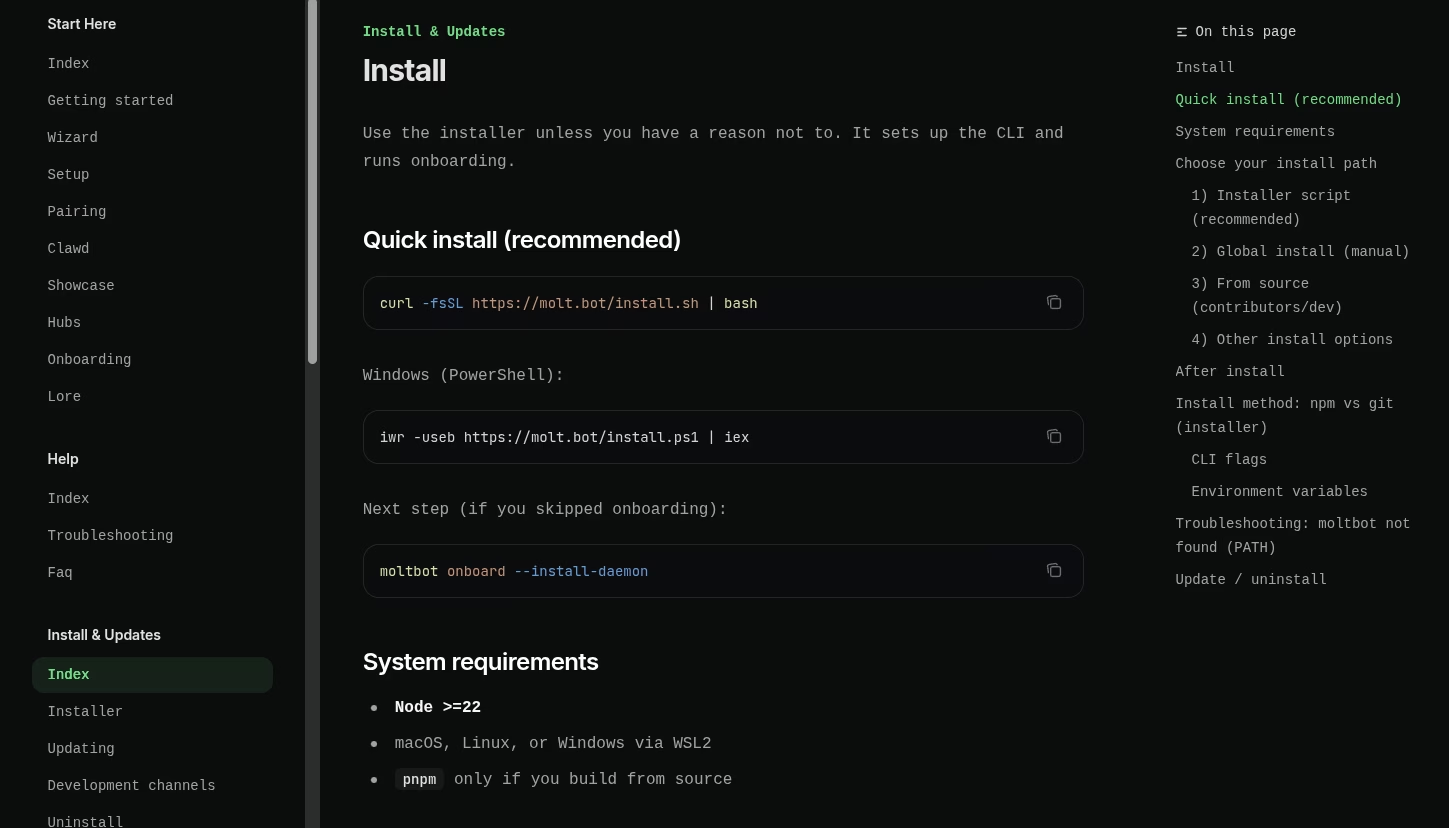
I’ve been really intrigued by the recent buzz around Clawdbot, a viral AI assistant causing a stir. The warnings about security caught my eye immediately:
“Running an AI agent with shell access on your machine is… spicy,” an FAQ reads. “Clawdbot is both a product and an experiment: you’re wiring frontier-model behavior into real messaging surfaces and real tools. There is no ‘perfectly secure’ setup.”
That kind of “spicy” is exactly what I was looking for. I’ve needed an excuse to pick up a Mac Mini for a while—specifically to drop Linux on it and see what happens. My plan? Pick up a cheap device, and if the Clawdbot experiment fails, I still have a working agentic chat bot via Telegram I can host on the Mac. That would just be the start!
Reference: Molt Instructions
Update: 31 Jan ’26 – The Hunt for Hardware
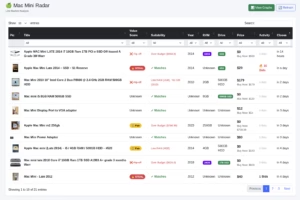
To find the perfect Mac Mini at a good price, I dusted off an old Python script I wrote to scrape auction details from Trade Me. I added a few logic checks to ensure the devices met my specs, the seller was asking a reasonable price, and it fit my modest budget.
I hosted the script on a Raspberry Pi and built a simple web dashboard to visualize the results. It features:
- A summary of found devices, sortable and filterable.
- A dynamic chart page where I can swap X & Y axis metrics.
- Mouse-over details for auction specifics and one-click access to the source page.
Bingo! For just $100, I won an auction for a 2014 Mac Mini (i5). It’s limited to 4GB of RAM but comes with a juicy 500GB SSD. While it won’t be capable of running heavy models locally, I plan to use the Google Gemini API (aiming for free tier rates) to give it some brains.
The Plan: Install a headless Linux server, set up ample swap file space, and see what I can hack together.
Update: 1 Feb ’26 – Upgrading to “The Brain”
After some thought, I realized if I’m going to do this properly, I need a local LLM. The 2014 model just won’t cut it for onboard intelligence.
So, I made an offer on a beefier device: a 2018 Mac Mini. This one is a beast compared to the first:
- Processor: 6-core Intel i5 (3.00 GHz – 4.10 GHz Turbo)
- RAM: 16 GB (Upgradable!)
- Storage: 512 GB SSD
I considered an M2 Mac, but the option I found was capped at 8GB of unified memory. While faster, that RAM limit would severely cap the model sizes I could play with. The Intel Mac gives me more room to breathe.
The Architecture: Brain & Body
Here is the new master plan for the cluster. I’ll be loading a headless Debian flavor on both Mac Minis:
- The BRAIN (2018 Mac Mini): With 16GB RAM, this machine will handle the heavy lifting, running a quantized Llama-3-70B model.
- The BODY (2014 Mac Mini): This will host the Moltbot Agent, handle Signal messaging, and store files and tools.
- The SENTRY (Raspberry Pi): Already running PiHole, I’ll add Moltbot monitoring to watch DNS and network traffic.
- The VAULT (Nvidia Shield): A media server with a 1TB HDD attached to host movies, ROMs, and other media.
Now, I’m just waiting for delivery. The plan is set. I’ll document the build process here—let’s see what I can create!